
Downloading WebAuth and logging into Amari Market
Set up the WebAuth wallet and sign in to Amari Market in a few steps — no seed phrases to memorize and no browser extensions required.
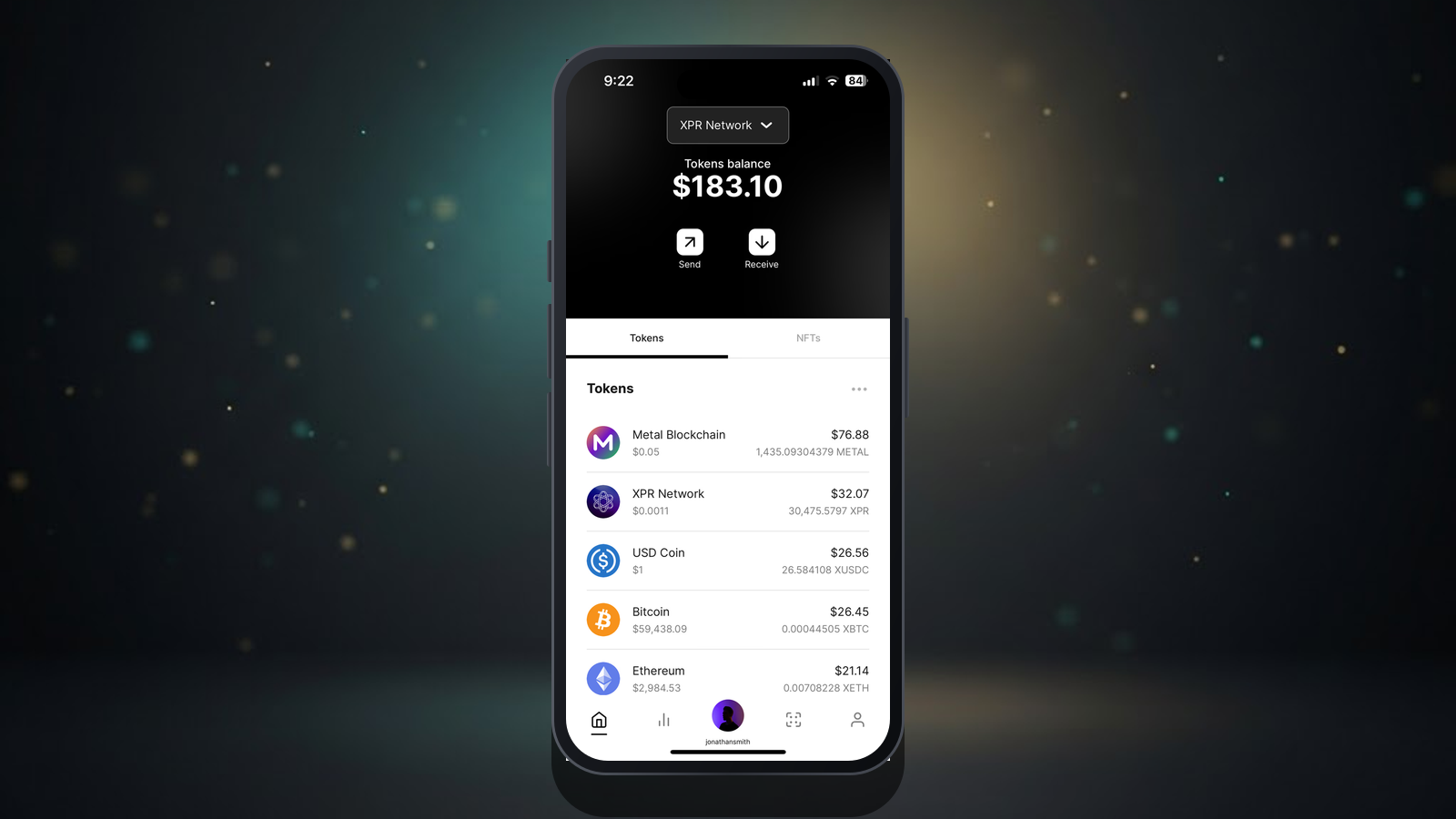
What is WebAuth?
WebAuth is the official wallet for XPR Network. It manages your account, holds your balances, and signs the transactions that power buying and selling on Amari Market. It is free and available on iOS, Android, and the web.
Download the app
Install WebAuth from the Apple App Store or Google Play, or use the web version at webauth.com. During setup you will create a human-readable account name (like yourname) instead of a long wallet address.
Fund your account
To collect on Amari you will need a small balance of the settlement token. You can fund your WebAuth account from an exchange or directly in-app. Because XPR Network fees are tiny, you do not need much to get started.
Sign in to Amari
On Amari Market, click Connect Wallet and choose WebAuth. Approve the connection request in the app, and you are in. No passwords, no seed phrases to type — just approve the login prompt and start collecting.